Play Now
Ready to get started? This section will walk you through the old school method of joining Dragons of Time.
What is DoTSetup.exe?
DoTSetup.exe is a windows installer that installs all the old school game files needed to play DoT
(260 MB download)
Installing UO
step 1
- download DoTSetup.exe
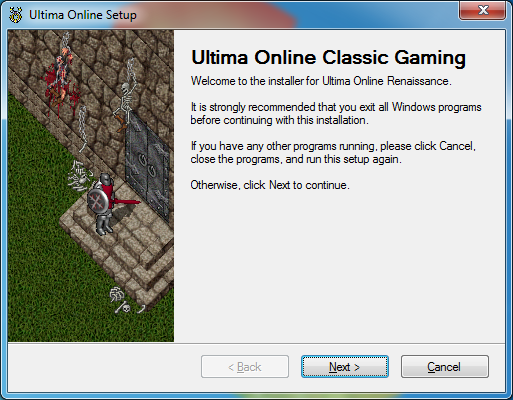
- double click the file and follow the instructions to install Ultima Online Renaissance to your computer
Change login.cfg
Navigate to your UO installation folder,
right click on login.cfg and edit with notepad. Change to
LoginServer=71.86.189.184,7774
Save and exit
Connect to Server
Now just double click on client.exe shortcut on your desktop to play!
(DO NOT USE RAZOR OR OTHER PROGRAMS TO CONNECT!)

Account Creation
Account creation is simple and automatic.
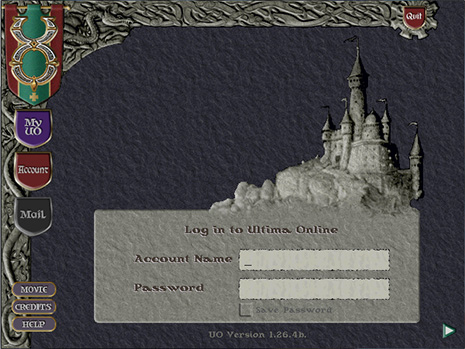
Type in any unique username and desired password in to the Account Name and Password field and hit enter or press the arrow to log in.
Welcome to Dragons of Time!
Also...Be sure to read the UOCG Players Guide! Read DoT Players Guide
AGAIN... DO NOT USE RAZOR OR OTHER PROGRAMS TO CONNECT!